Använd Utforska i Karma-appen för att hitta mat i närheten, söka efter ett ställe eller en vara och begränsa resultaten med kostfilter eller kategorier.
Titta på genomgången på 41 sekunder eller följ stegen nedan.
Hitta mat nära dig
- Öppna Utforska i Karma-appen.
- Tillåt platsåtkomst om du vill se resultat runt din nuvarande position.
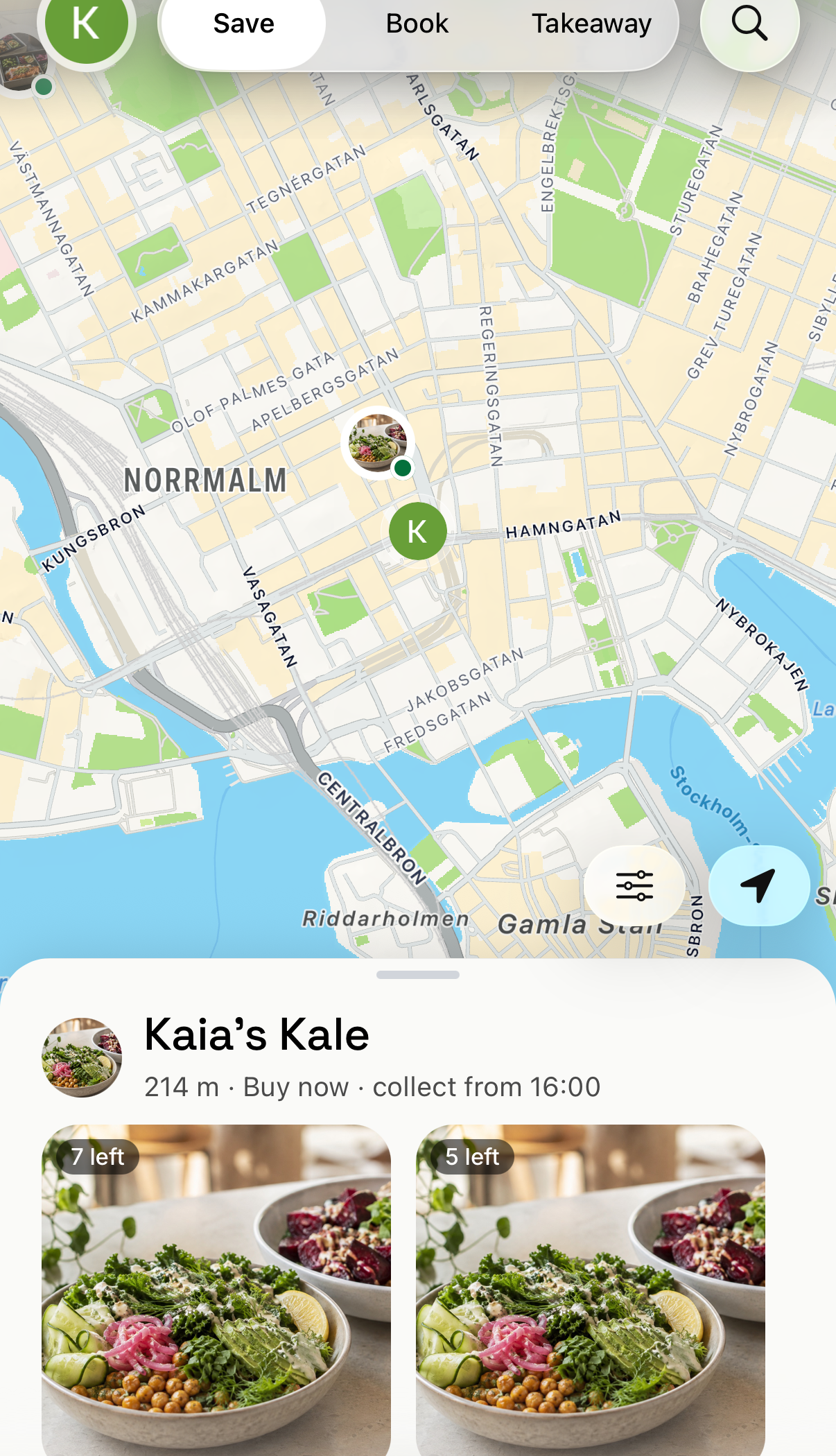
- Leta efter runda markörer med ställets logotyp. De visar ställen som har matsvinn just nu. En grön prick på markören betyder att stället är öppet; en gul prick betyder att det finns matsvinn men att stället inte har öppnat än eller har stängt för stunden. Små mörka prickar är ställen utan matsvinn just nu.
- Välj en markör, eller ett erbjudande i listan under kartan, för att se varor, pris, hur många som finns kvar och upphämtningstid.
- Välj platspilen i nedre högra hörnet för att flytta tillbaka kartan till din position.
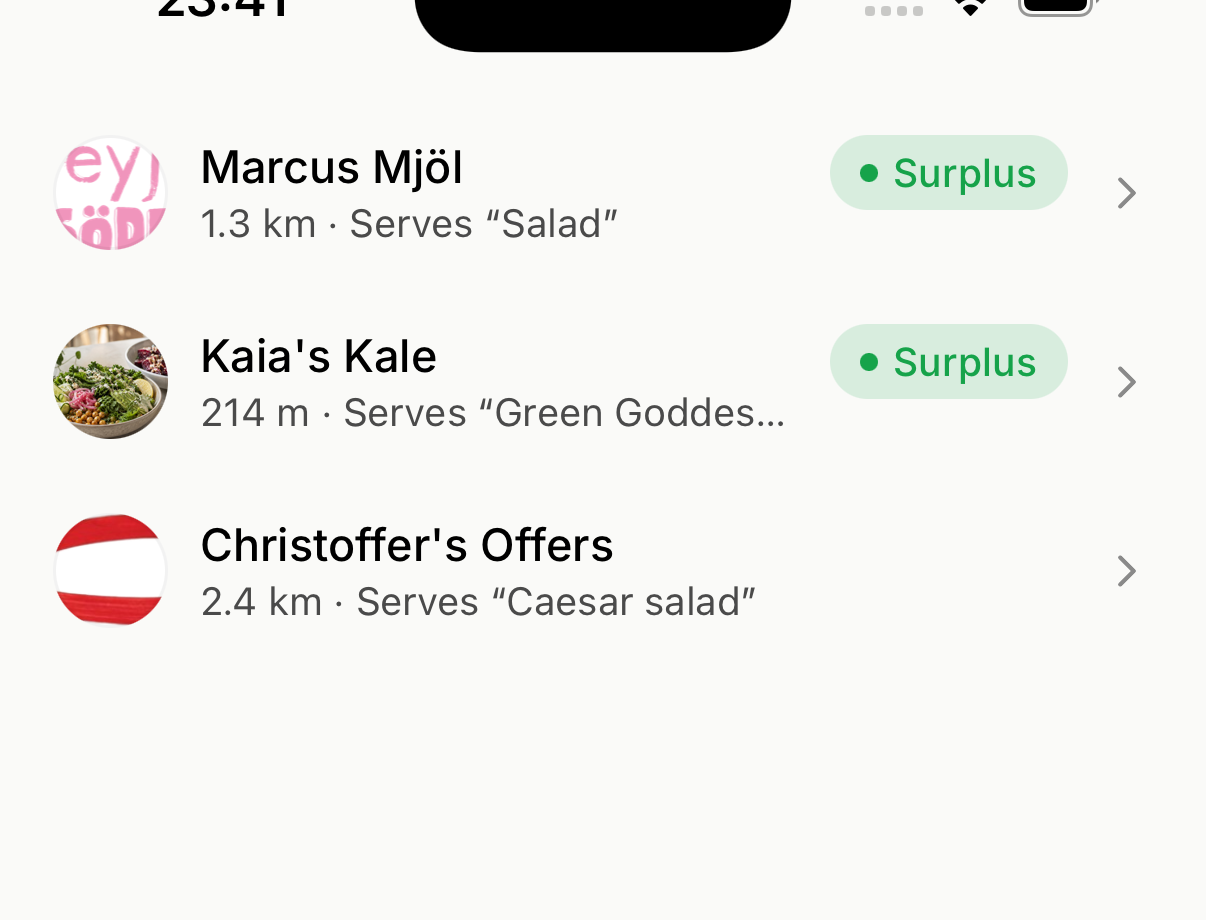
Sök efter en plats eller mat
- Välj sökknappen (förstoringsglaset) uppe till höger i Utforska.
- Skriv in en plats, ett ställe eller en maträtt, till exempel
sallad. - Välj ett resultat för att se erbjudandet och upphämtningsinformationen.
Använd preferenser och filter
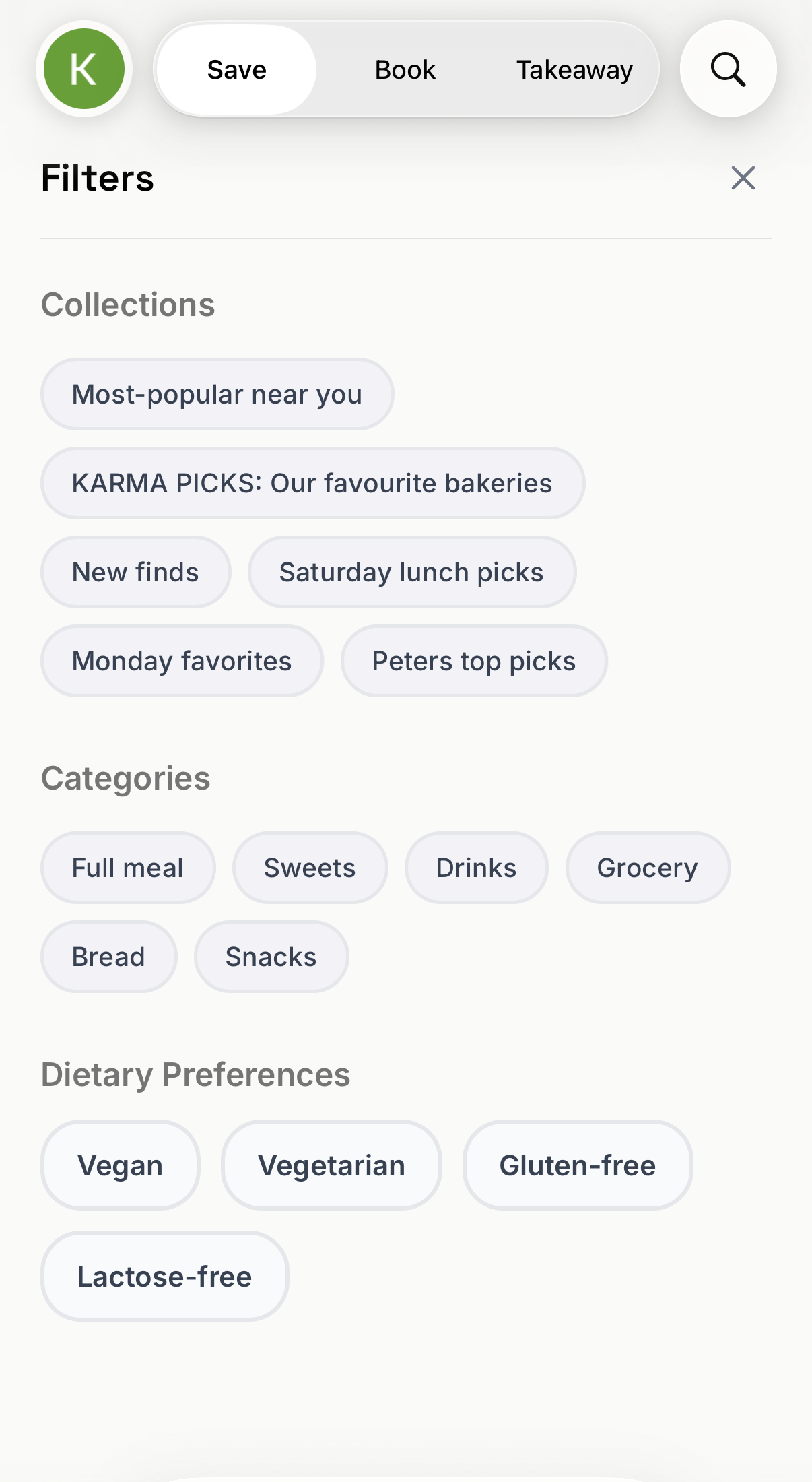
- Välj filterknappen (reglagen) i nedre högra hörnet av kartan, bredvid platspilen. Sökskärmen har samma filterknapp.
- Under Filter väljer du en samling, en kategori eller en kostpreferens under Samlingar, Kategorier eller Kostpreferenser.
- Gå igenom de filtrerade resultaten.
- Om listan är tom väljer du Rensa alla och lägger sedan till filtren igen ett i taget.
Läs alltid varubeskrivningen och ingredienserna. Om du har en allergi, fråga stället om ingredienser och risk för kontamination innan du köper.
Om kartan ser tom ut
- Flytta eller zooma kartan till ett annat område och välj sedan knappen Sök som visas ovanför listan. Kartan hämtar inga nya ställen förrän du gör det. Om knappen visar Zooma in har du zoomat ut för långt.
- Gå tillbaka till din position och kontrollera att Karma har åtkomst till din plats.
- Ta bort aktiva filter. En kostpreferens begränsar också kartan till ett område på 10 km tills du rensar den.
- Titta igen senare. Ställen lägger upp matsvinn vid olika tider.
Om ett erbjudande tydligt inte följer ett aktivt filter, öppna din profil och välj Hjälp & Support → Ny konversation. Ange filtret, stället, erbjudandet, tiden och bifoga en skärmdump.